Why Roaming is a Rip-Off in Marrakech
Look, I've been burned by roaming charges more times than I care to admit, especially in places where carriers seem to think data is made of solid gold. Marrakech is fantastic, but your home provider sees it as a cash cow. Those $15 a day roaming packages add up faster than you can say 'mint tea'. For a week's trip, you're looking at over $100 just to keep your phone connected. That's a good chunk of change that could buy you an authentic leather pouf, a dozen spices from the souk, or a very decent meal for two at a Riad restaurant.
Think about it, what are you actually getting for that money? Often, it's a measly 500MB or 1GB per day, after which your speeds throttle to dial-up levels. Trying to load Google Maps to navigate the labyrinthine alleyways of the Medina at 2G speeds is a special kind of hell. WhatsApp calls drop, Instagram stories refuse to upload, and trying to check bank balances feels like a race against time. It's a frustrating experience that takes away from the magic of being in a new place.
I've seen friends get hit with bills upwards of $300 for a short trip, all because they 'forgot' to turn off roaming or thought their plan would cover it. Spoiler: it rarely does, not without hefty caveats. The fine print always gets you. My advice, honed over four years of living out of a backpack and often relying on my phone for actual income, is simple: avoid traditional roaming like the plague.
| Provider Type | Average Daily Cost | Data Allowance | Typical Experience |
|---|---|---|---|
| Home Carrier Roaming | $10 - $15+ | 0.5GB - 1GB, then throttled | Expensive, slow after initial allowance, unpredictable |
| Local Physical SIM | $2 - $5 (for multi-day plan) | 2GB - 10GB for a week | Requires finding a store, registration, physical swap |
| eSIM for Morocco | $1 - $2 (for multi-day plan) | 1GB - 5GB+ for a week | Instant activation, convenient, transparent pricing |
What is an eSIM and How Does it Work?
An eSIM, or embedded SIM, is essentially a digital SIM card. Instead of slotting a tiny piece of plastic into your phone, the SIM profile is downloaded directly onto your device. Most modern smartphones, especially anything iPhone XR or newer, and recent Samsung Galaxy or Google Pixel models, come with eSIM capabilities. It's not some futuristic tech, it's been around for a while and it's stable. For someone like me who's constantly bouncing between countries, it's a godsend.
The beauty of an eSIM is its flexibility. You can store multiple eSIM profiles on one device, switching between them as needed. This means you can keep your home number active for calls and texts (without data roaming, of course) while using a local eSIM for all your data needs. No more fumbling with tiny SIM cards, no more worrying about losing your home SIM in a crowded souk. It simplifies connectivity, especially for short trips where you just need reliable data without the fuss of finding a local shop and dealing with registration paperwork.
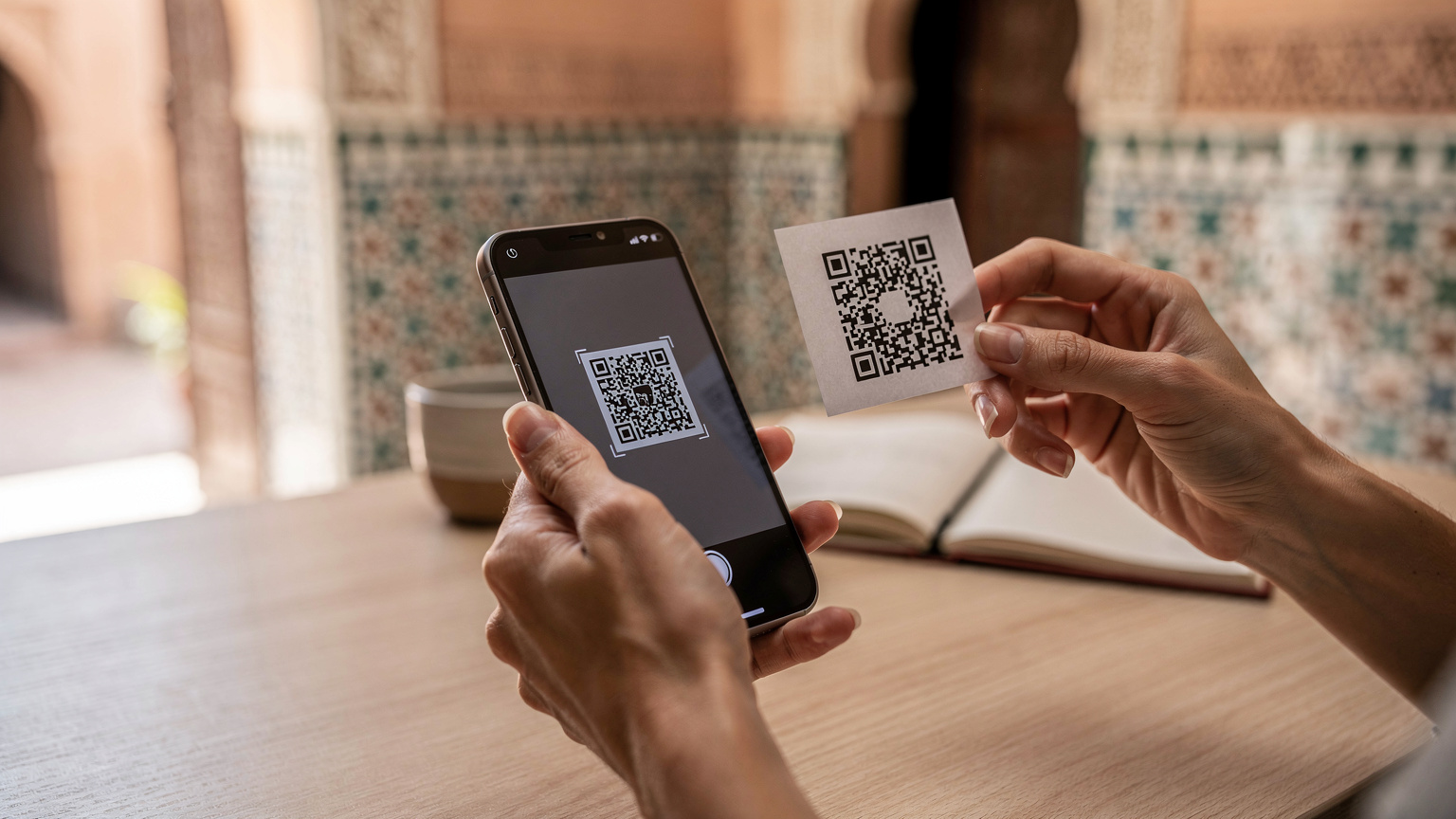
The process is usually straightforward: you buy a plan online, receive a QR code, scan it with your phone, and follow a few prompts. Boom, you're connected. This is particularly useful in places where local SIM registration can be a bureaucratic nightmare, or where you just don't have the time to hunt down a reliable vendor. I've wasted entire afternoons in some countries trying to get a local SIM, only to find out it barely worked. With an eSIM, you can often set it up before you even land.
Choosing the Right eSIM for Marrakech
Not all eSIMs are created equal, and for Marrakech, you want something that offers decent coverage and a fair price. My go-to is always looking for options that partner with major local carriers like Maroc Telecom, Orange Maroc, or Inwi. These are the networks that actually have decent infrastructure, especially outside the main tourist zones. While you'll mostly be in the Medina, having reliable coverage for a day trip to the Atlas Mountains or a visit to Jardin Majorelle is crucial.
When picking a plan, consider your data needs. For a short trip, 1GB to 3GB is usually more than enough if you're primarily using it for navigation, WhatsApp, and light browsing. If you're going to be uploading a lot of photos or making video calls, aim for 5GB. Most providers offer tiered plans, so you can usually find something that fits. And always, always check the validity period. Some plans are for 7 days, others 15, and some a full 30. Match it to your trip length.
| Data Plan | Approx. Price (USD) | Validity | Best For |
|---|---|---|---|
| 1 GB | $9 | 7 Days | Light users, short trips, emergency data |
| 3 GB | $14 | 15 Days | Moderate users, longer trips, social media |
| 5 GB | $19 | 30 Days | Heavy users, remote workers, video calls |
| 10 GB | $29 | 30 Days | Digital nomads, extensive streaming, multiple devices (hotspot) |
I usually lean towards 3GB for 15 days, even for a shorter trip, just for peace of mind. It’s better to have a little extra than to run out when you’re trying to hail a taxi late at night. You can find excellent options for Morocco on the main site, often bundling data with voice or SMS if you need it, though for most travelers, data is king. Just navigate to /en/esim-morocco to see the current plans.
Understanding Network Coverage in Marrakech
Marrakech is well-covered by the major operators. Inside the Medina, you'll find pretty solid 4G, sometimes even 5G in the newer parts or near major squares like Djemaa el-Fna. Once you venture out to Gueliz, the new city, coverage is excellent. Where it can get spotty is deep inside some riads with thick walls, or if you're on an excursion far into the desert. For the average tourist sticking to the city, you'll be fine.
Data Speed Expectations
Don't expect fiber-optic speeds like in Seoul, but 4G in Marrakech is perfectly adequate for most tasks. I've managed to do video calls for work from the rooftop of my Riad near Bab Doukkala using Maroc Telecom's network without too many hiccups. Downloads are reasonably fast, and browsing is generally smooth. For a short trip, this is more than enough to handle your needs.
Step-by-Step eSIM Activation on Your Phone
Activating an eSIM for your Marrakech trip is usually pretty painless, especially if you do it before you leave home or right when you land at Menara Airport (RAK). There's nothing worse than landing in a new country, tired and disoriented, and having to figure out connectivity on the fly. Trust me, I've made that mistake enough times.
- Purchase Your eSIM Plan: Head to the provider's website and select a Morocco-specific eSIM plan that matches your data needs and trip duration. Pay for it online.
- Receive Your QR Code: You'll typically get an email with a QR code and detailed instructions. Keep this email accessible, maybe even print it or save a screenshot to another device in case you have issues with your primary phone.
- Scan the QR Code: On your iPhone, go to Settings > Cellular > Add eSIM. On Android, it's usually Settings > Network & internet > SIMs > Add more. Your phone's camera will open, then scan the QR code.
- Follow On-Screen Prompts: Your phone will guide you through adding the cellular plan. You'll likely be asked to label the eSIM (e.g., "Morocco Data") and set it as your primary line for cellular data. Make sure to keep your existing home SIM active for calls, but ensure data roaming is OFF for that line to avoid charges.
- Enable Data Roaming for eSIM: Crucially, once the eSIM is installed, you'll need to turn on "Data Roaming" specifically for your new eSIM line. This sounds counterintuitive, but it's what allows the eSIM to connect to local networks. Since you bought a local plan, this won't incur extra costs.
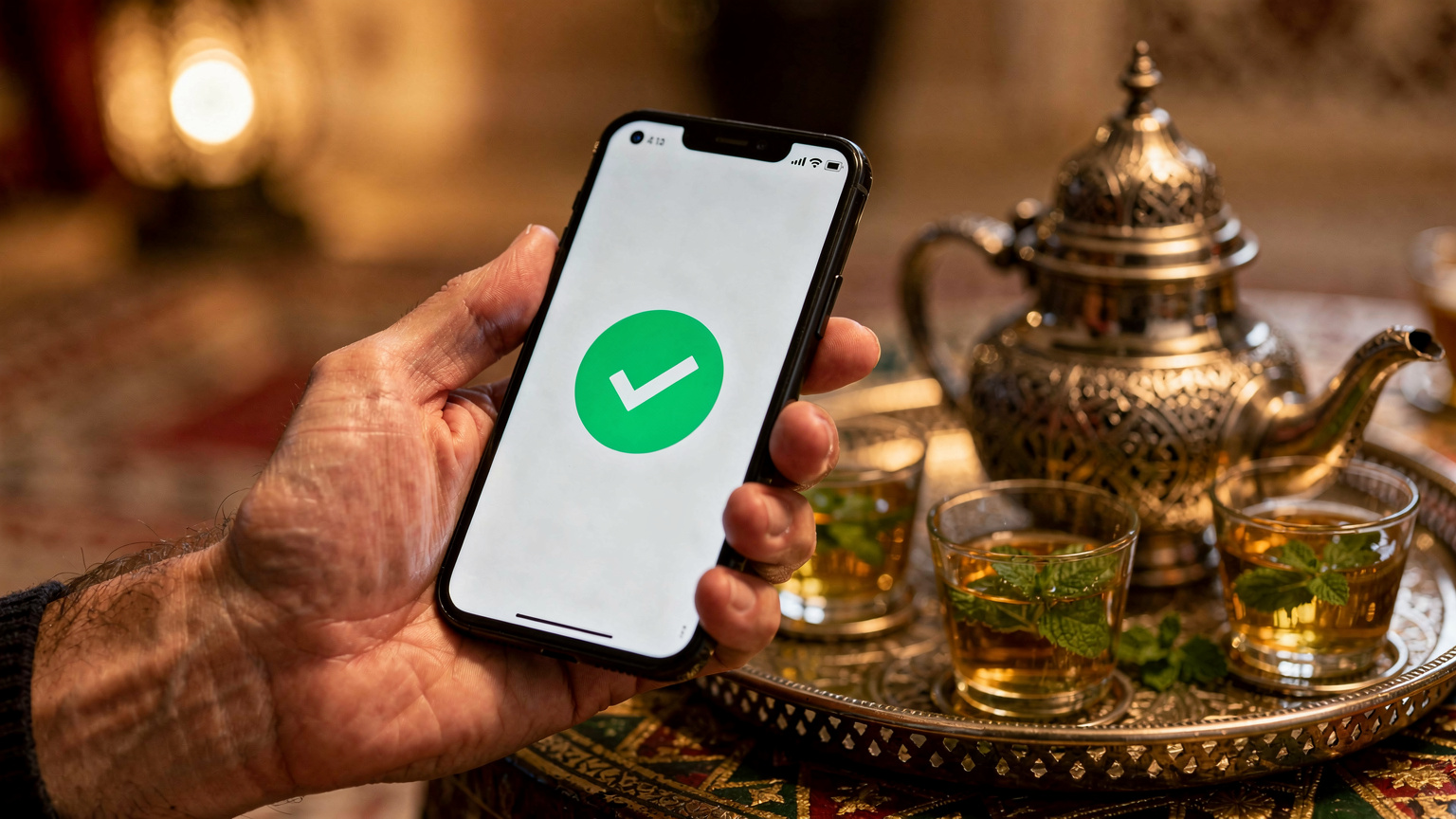
- Test Your Connection: Once activated, try opening a browser or an app like WhatsApp. If everything is working, you're good to go. If not, double-check your settings, particularly the data roaming toggle for the eSIM, and restart your phone.
When to Activate Your eSIM
I always recommend activating your eSIM before you step off the plane. Why? Because you'll have WiFi in the airport, usually. This means if you run into any snags during activation, you're not stuck without a connection. Also, having data immediately means you can use ride-hailing apps like Careem or InDrive (both popular there), or just look up directions to your Riad without frantically searching for airport WiFi. If you're concerned about the validity period starting too early, some eSIMs only activate upon connecting to a network in the destination country, so check the terms.
Troubleshooting Basic eSIM Issues
Sometimes things just don't work right out of the box. It happens. First, restart your phone. Seriously, it fixes half of all tech problems. Second, check if you've turned on data roaming for the eSIM profile. Third, ensure your phone's software is up to date. If all else fails, most eSIM providers have decent customer support via email or chat, and they're usually pretty quick to respond. I've had to use it a couple of times for weird network configuration issues, and it's always been resolved.
Getting Around Marrakech with Your eSIM
Marrakech can be a sensory overload, and navigating its winding streets, especially in the Medina, requires a reliable connection. Google Maps will be your best friend, whether you're trying to find your Riad, a specific souk, or a hidden restaurant. Having live data means you can follow directions without getting lost for hours (though getting a little lost is part of the charm, sometimes).
Beyond navigation, your eSIM will power your communication. WhatsApp is king in Morocco, just like it is in much of the world. You'll use it to communicate with Riad hosts, tour guides, and even some taxi drivers. If you're meeting up with friends, or just trying to coordinate dinner plans, reliable data is non-negotiable. I use it constantly to share my location when I'm walking through the busier parts of the city, just for safety and peace of mind.
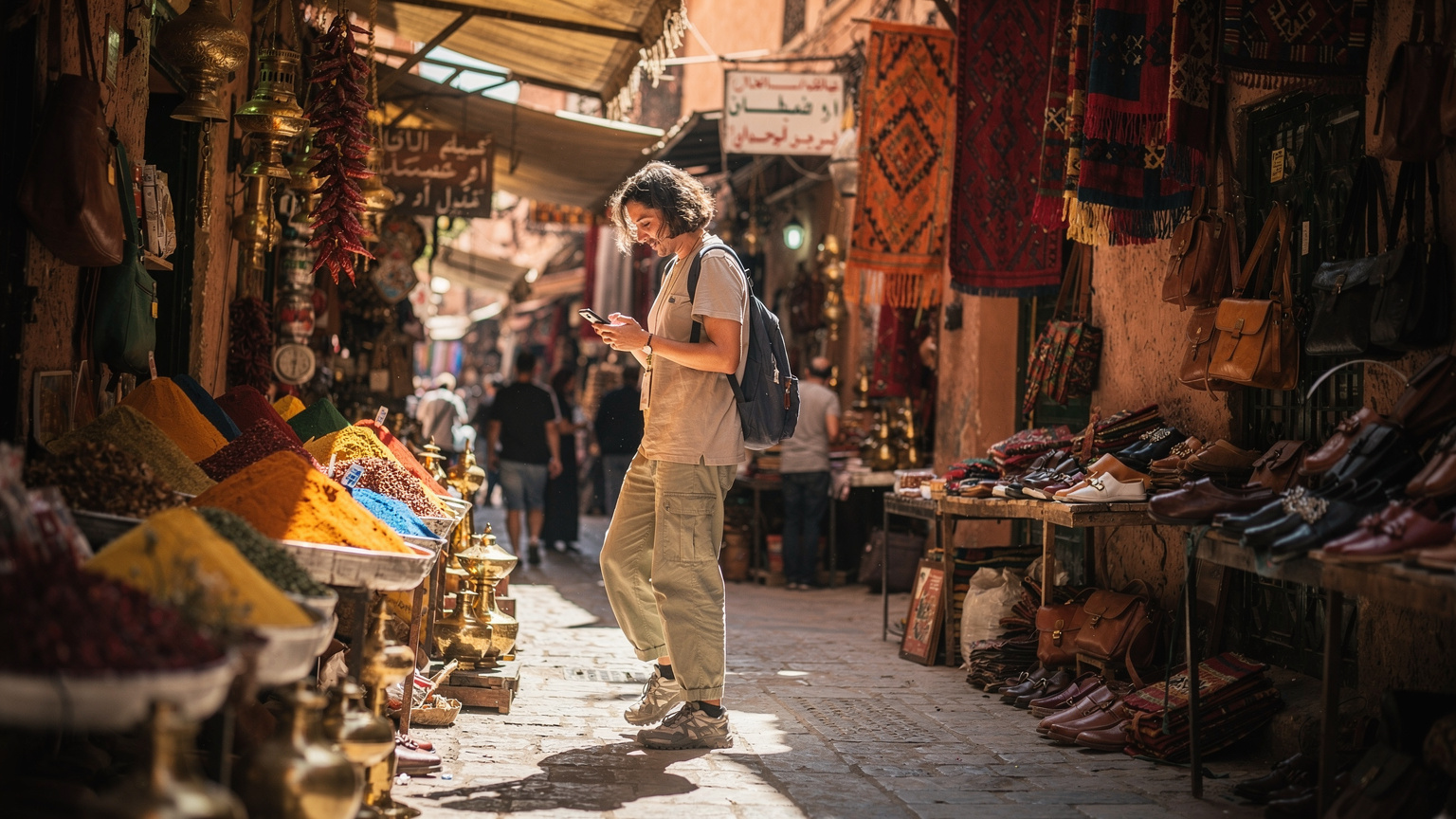
And let's not forget about translation apps. Unless your Arabic or French is fluent, you'll be leaning on Google Translate or similar apps. Being able to quickly translate a menu item or understand a shopkeeper’s explanation can make a huge difference in your daily interactions. It removes a layer of friction that can otherwise make simple tasks feel daunting.
Essential Apps for Marrakech Travelers
- Google Maps: For navigation, public transport, and finding points of interest. Absolutely critical in the Medina.
- WhatsApp: Primary communication tool for everyone in Morocco, from friends to service providers.
- Careem or InDrive: For ride-hailing, especially useful for getting to and from the airport or for longer distances outside the Medina.
- Google Translate: Essential for overcoming language barriers, especially with Moroccan Arabic.
- TripAdvisor/TheFork: For finding restaurants and reading reviews, though I always cross-reference with local recommendations.
Calling and Messaging with Your eSIM
While your eSIM provides data, it typically doesn't come with a local phone number for traditional calls or SMS. But honestly, who needs that anymore? With data, you can use WhatsApp for calls and messages, which is what most people do anyway. If you absolutely need a local number, then a physical SIM might be a better bet, but for 99% of travelers, data-based communication is perfectly sufficient.
Staying Connected for Work or Leisure
Even on a short trip, a reliable internet connection isn't just for emergencies or navigation. It's for uploading those stunning photos of Bahia Palace, checking in with family, or even catching up on a bit of work (if you must). I've found that even a few gigabytes of data can go a long way if you're mindful of your usage.
If you're one of those folks who needs to hop online for an hour or two during your trip, maybe to check emails or attend a quick video call, an eSIM is a lifesaver. While many Riads offer WiFi, it can be spotty, especially during peak times. Having your own data means you're not beholden to unreliable hotel connections. I often set up my phone as a hotspot for my laptop for quick tasks, though I wouldn't recommend it for heavy lifting or long calls unless you have a truly unlimited plan, like the kind I explore in Unlimited eSIM for Remote Work: Is It Truly Uncapped Abroad in 2027?. (My actual workspace of choice in Marrakech for anything serious was always The Spot in Gueliz, where they have solid fiber and decent coffee.)
I once spent three months in a small apartment in Sidi Ghanem, the industrial design district, paying about 3,500 MAD (roughly $350 USD) a month. Utilities were another 400 MAD. My cost of living, including food and a few daily coffees, hovered around $1000-$1200 a month. Having reliable data was key for coordinating with landlords, ordering groceries via local apps, and keeping my work flowing. Without an eSIM, I'd have blown half my budget on local SIMs and data top-ups.
WiFi vs. eSIM: A Practical Comparison
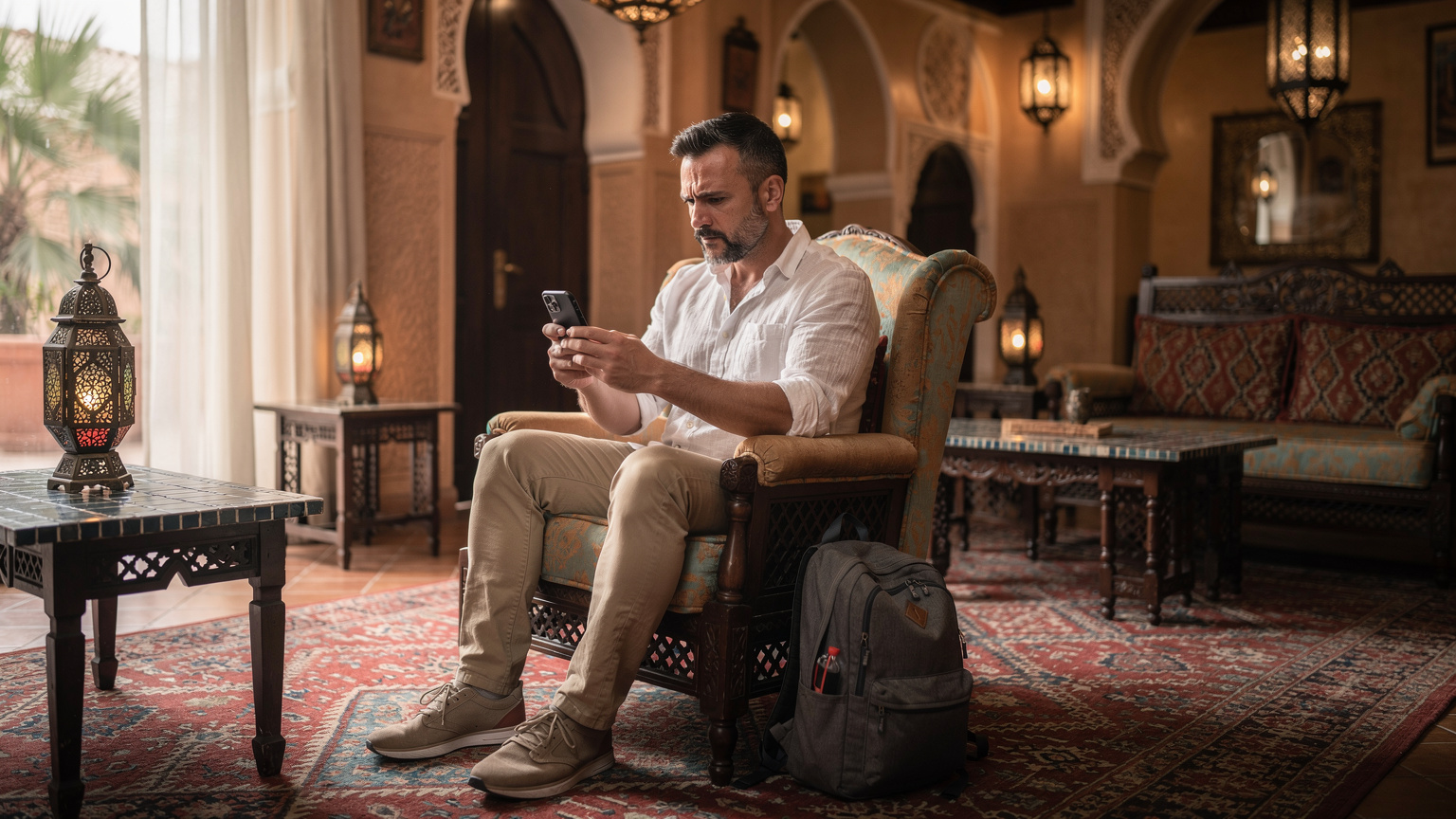
While public WiFi is available in many cafes and hotels, it comes with its own set of problems. Security is a big one. I never do banking or sensitive work on public WiFi without a VPN. Speed and reliability are another. A cafe's WiFi might be great for checking Instagram, but try uploading a large file or streaming a movie, and you'll often hit a wall. Your eSIM provides a private, more secure, and generally more reliable connection, especially when you're on the move.
Using Your Phone as a Hotspot
Your eSIM-enabled phone can absolutely double as a personal hotspot. This is incredibly useful if you're traveling with a partner or friends who also need internet access, or if you need to connect a laptop or tablet. Just be mindful of your data allowance, as hotspot usage can chew through gigabytes quickly. If you're planning on heavy hotspot use, spring for a larger data plan, like 5GB or 10GB. I've found hotspotting to be invaluable when the Riad WiFi decided to give up the ghost right before an important video call.
Local SIM Card vs. eSIM: The Real Deal
For short trips, an eSIM wins on convenience, hands down. For longer stays, say a month or more, or if you absolutely need a local Moroccan phone number for specific purposes (like setting up a local bank account, though that requires residency and is a whole other saga), a physical local SIM might be worth the hassle. However, most travelers to Marrakech are just looking for data, and that's where eSIMs shine.
Getting a local SIM in Morocco isn't particularly difficult, but it does involve finding a phone shop, dealing with potential language barriers, and registering your passport. You'll usually find kiosks for Maroc Telecom, Orange Maroc, and Inwi at the airport. They'll ask for your passport for registration, which is standard procedure. A basic SIM with 5GB of data might cost you around 50-70 MAD (about $5-7 USD), which is certainly cheap. But then you have to swap SIMs, store your home SIM safely, and repeat the process if you travel elsewhere. For a week, it's just not worth the faff.
One thing to note: some specific local apps, particularly banking apps in certain countries like Brazil or India, can sometimes be finicky about non-local SIMs for two-factor authentication. In Morocco, I haven't run into this with standard apps, but it's always something to keep in the back of your mind if you rely on very specific local services. For the vast majority of traveler needs, an eSIM is seamless.
Cost Comparison, Simplified
- Traditional Roaming: $15/day x 7 days = $105.
- Local Physical SIM: SIM card fee (if any) + 5GB plan ($5-7 USD) = $5-7 total. Requires airport stop, registration, SIM swap.
- Morocco eSIM: 1GB for 7 days ($9 USD) or 3GB for 15 days ($14 USD) = $9-14 total. Instant digital delivery, no physical hassle.
The choice is pretty clear for anyone who values their time and money. While a local physical SIM can be slightly cheaper for data volume, the convenience and immediate connectivity of an eSIM for a short trip easily justifies the small price difference. Plus, you avoid the risk of losing your primary SIM card, which has happened to more than one of my friends when they're fumbling with tiny plastic bits in a dimly lit taxi.
Visa Limitations and SIM Cards
Morocco generally has pretty straightforward visa policies for most Western countries, allowing 90-day stays. This means you won't hit any issues regarding SIM card registration linked to visa length for short trips. However, in other countries I've traveled, I've run into situations where local SIM cards require a longer-term visa or proof of residency, making eSIMs the only viable option for short-term visitors. Thankfully, Marrakech isn't one of those places for now, but it's a critical consideration in other destinations.
Common eSIM Questions and Troubleshooting
Even with all the benefits, new tech can sometimes throw a curveball. Here are some of the most common questions and issues I get from friends when they're trying to set up their first eSIM abroad, often when they're stressing out about getting to the Edinburgh Fringe 2026: Seamless Shows and Connectivity for Festival-Goers or navigating New Zealand's Fjordland 2026: Your eSIM Guide for Remote Trail Navigation.
- My eSIM isn't connecting, what do I do? First, check if you've enabled data roaming for the eSIM line in your phone settings. This is a common oversight. Second, try restarting your phone. If still no luck, manually select the network operator in your cellular settings (e.g., Maroc Telecom, Orange). Sometimes, auto-select fails.
- Can I use my home number for calls and texts with an eSIM? Yes, you absolutely can. Set your home SIM as primary for calls and texts, and your eSIM as primary for mobile data. Just make sure data roaming is turned OFF for your home SIM to avoid charges. Your home number will still receive calls and texts, though incoming calls might incur international roaming charges from your home provider.
- What if I run out of data? Most eSIM providers allow you to top up your data plan directly from their website or app. It's usually a quick and easy process, adding more data to your existing eSIM profile. This is another area where eSIMs beat physical SIMs, as you don't have to go find a shop to buy a scratch card.
- Is my phone compatible with eSIMs? Most newer smartphones are. iPhones from the XR onwards, Samsung Galaxy S20 and newer, Google Pixel 3 and newer, and many other flagship devices support eSIM. If you're unsure, a quick Google search for "[Your Phone Model] eSIM compatibility" will give you the answer.
- Can I use an eSIM on a cruise ship? This is a slightly different beast. While you can use an eSIM when you're in port, ship Wi-Fi or specialized maritime plans are often needed at sea. I've covered this in depth in Cruise Connectivity 2026: Ditch Ship Wi-Fi, Grab an eSIM from NYC to Istanbul.
Final Thoughts on Marrakech Connectivity
Having been on the road for years, I've learned that a good data connection isn't a luxury, it's a necessity, even for a short trip to Marrakech. It simplifies everything, from navigating the bustling souks to keeping in touch with loved ones, and it seriously reduces stress. The thought of paying $15 a day for limited data still makes me wince, especially when a $9 eSIM offers a week of solid connectivity. That's a no-brainer for me.
So, as you pack your bags for the vibrant chaos of the Medina, the tranquil beauty of a Riad courtyard, and the tantalizing aromas of street food, remember to sort out your data first. Grab an eSIM, set it up before you land, and save your dirhams for the experiences that truly matter. It's one less thing to worry about, leaving you free to immerse yourself fully in the magic of Marrakech. You'll thank yourself when you're effortlessly navigating to Maison de la Photographie for that perfect shot, or finding that hidden gem of a restaurant in the Kasbah, all without a single hiccup in your connection.
Frequently Asked Questions
How much data do I need for a 7-day trip to Marrakech?
For a typical 7-day trip, 1GB to 3GB of data should be sufficient. This allows for navigation, social media, messaging, and light browsing without constantly worrying about running out. If you plan on streaming video or extensive video calls, consider a 5GB plan.
Can I use my regular phone number for calls and texts while using an eSIM in Marrakech?
Yes, you can. Most smartphones allow you to keep your home SIM active for calls and texts while using the eSIM for all your data needs. Just ensure you turn off data roaming for your home SIM in your phone settings to avoid unexpected charges.
Is Wi-Fi widely available in Marrakech?
Wi-Fi is available in most Riads, hotels, and many cafes in Marrakech, especially in the modern Gueliz district. However, speeds and reliability can vary. An eSIM provides a more consistent, secure, and private connection, particularly when you're out exploring the city.
What are the main local mobile carriers in Marrakech?
The primary mobile carriers in Morocco are Maroc Telecom, Orange Maroc, and Inwi. eSIMs for Morocco typically use the network infrastructure of one of these major providers, ensuring good coverage in urban areas like Marrakech.
Can I activate my eSIM before arriving in Marrakech?
Yes, it's highly recommended to purchase and activate your eSIM before you travel or upon arrival at the airport using Wi-Fi. This ensures you have immediate connectivity upon landing and can troubleshoot any issues without being reliant on potentially spotty public Wi-Fi.
Will an eSIM work on all smartphone models?
eSIMs are compatible with most newer smartphone models, including iPhones from the XR onwards, Samsung Galaxy S20 and newer, and Google Pixel 3 and newer. Check your specific phone model's specifications or perform a quick online search to confirm compatibility before purchasing.